BUSINESS AUTOMATION · AI · CUSTOM SOFTWARE
We build automation that runs your business without you
AutomatFlows is a software development company । We build custom browser automation, API integrations, AI-powered workflows, and software solutions that eliminate repetitive tasks and help your business operate more efficiently ।
const flow = new Automation();
// browser + API steps, one pipeline
flow.step('launch browser')
.step('authenticate')
.step('extract + transform')
.step('call webhook');
await flow.run();
Automation and software, built to fit your workflow
Every engagement starts from your actual process — not a generic package. Here's what we build most often.
Browser Automation
Reliable scripted browser workflows for data extraction, testing, and repetitive web tasks — built to hold up against real-world site changes.
Learn moreAndroid Automation
Automated interaction with real Android devices — app testing, UI-driven workflows, and scripted device control at scale.
Learn moreAndroid Emulator Automation
Emulator-based automation for parallel testing and workflows that need many isolated, disposable Android instances.
Learn moreHTTP Request Automation
Direct API and HTTP-layer automation — faster and more resilient than browser automation when a UI isn't required.
Learn morePlaywright Automation
Modern, cross-browser automation and end-to-end testing pipelines built on Playwright for speed and reliability.
Learn moreNode.js / JavaScript Desktop Apps
Custom cross-platform desktop software built with Node.js and JavaScript — packaged, distributable tools for your team or your customers.
Learn moreCustom Automation Software
Purpose-built automation software designed around your exact business process, not a generic template stretched to fit.
Learn moreAPI & Workflow Automation
Connecting your tools and systems together — scheduled jobs, webhooks, and multi-step workflows that run without manual intervention.
Learn moreReady-made software you can start using today
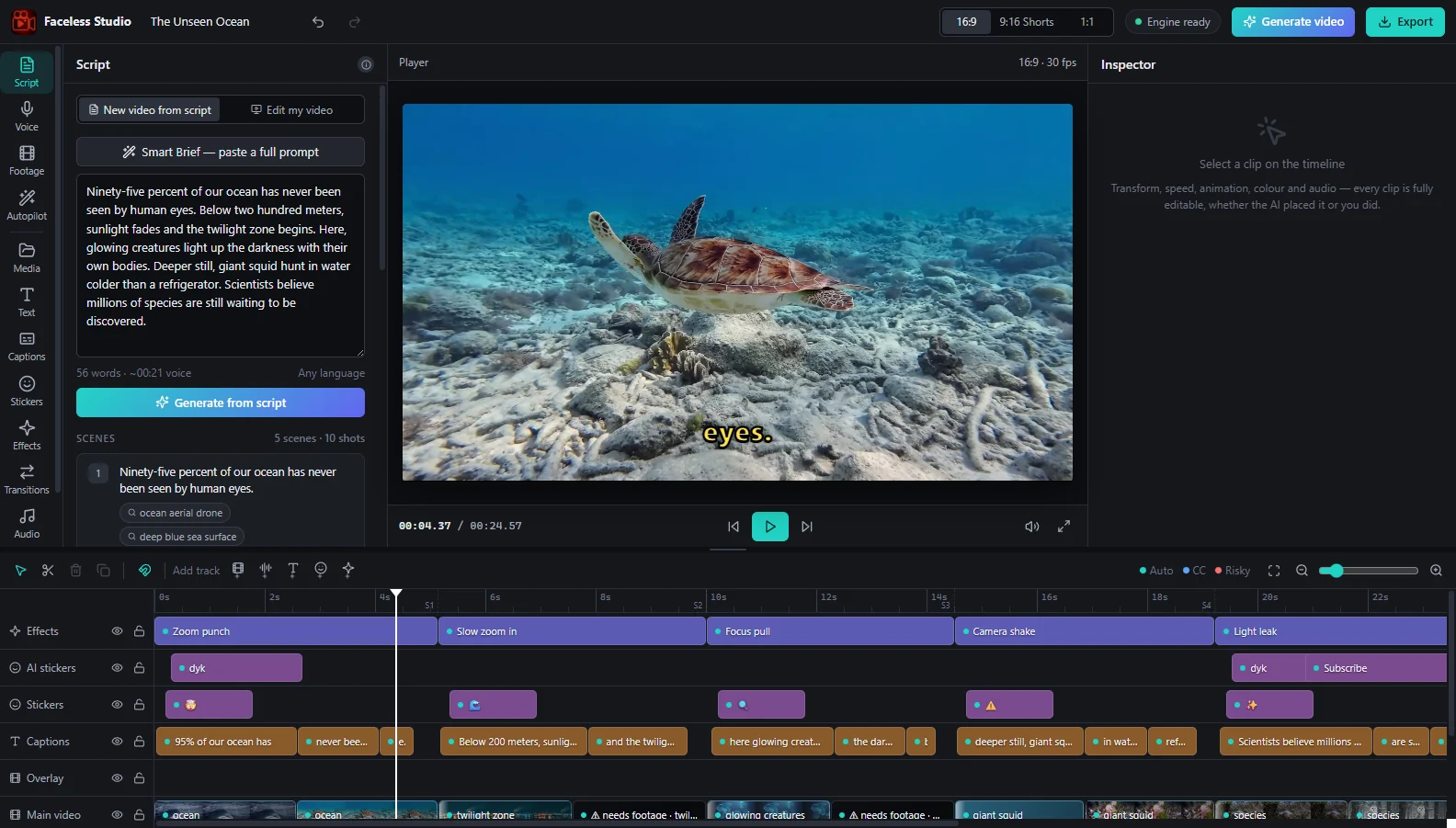
Faceless Studio
Faceless YouTube video maker for Windows — script to voice-over, matching footage, captions and music in one click
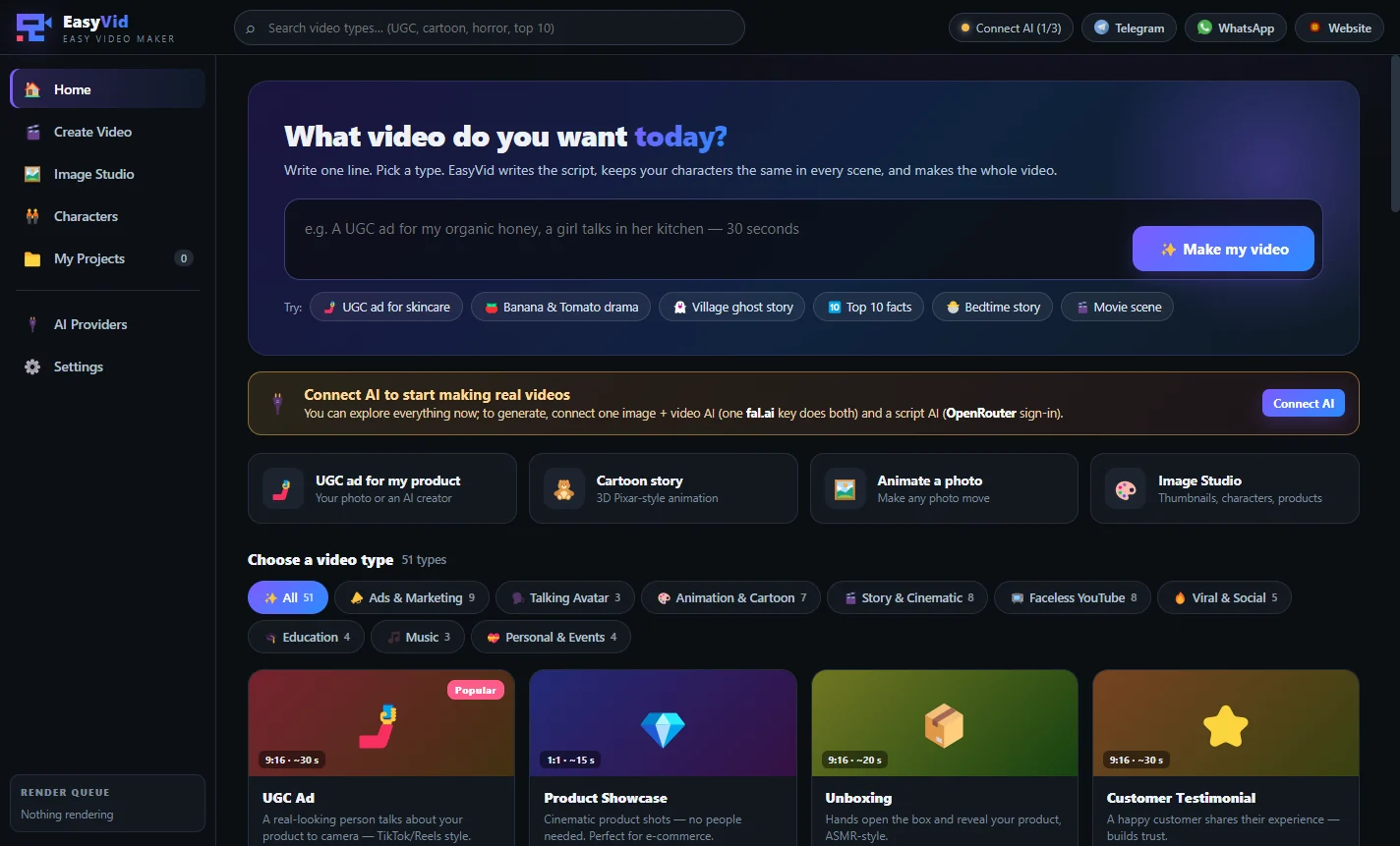
EasyVid
AI video maker for Windows — pick a video type, write one line, get a full video with the same character in every scene
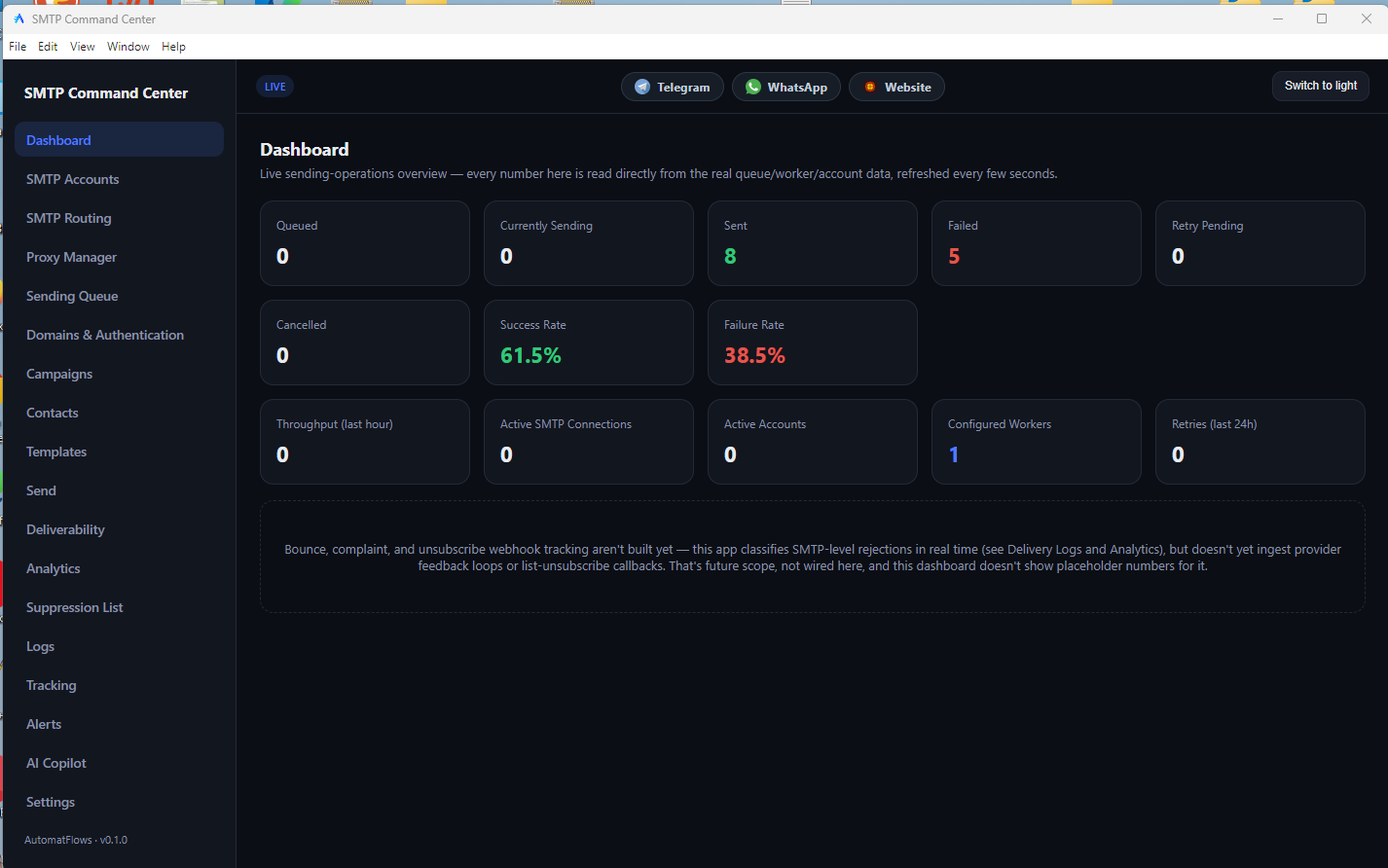
SMTP Command Center
Send email campaigns through your own SMTP accounts — with rotation, limits, tracking and inbox checks
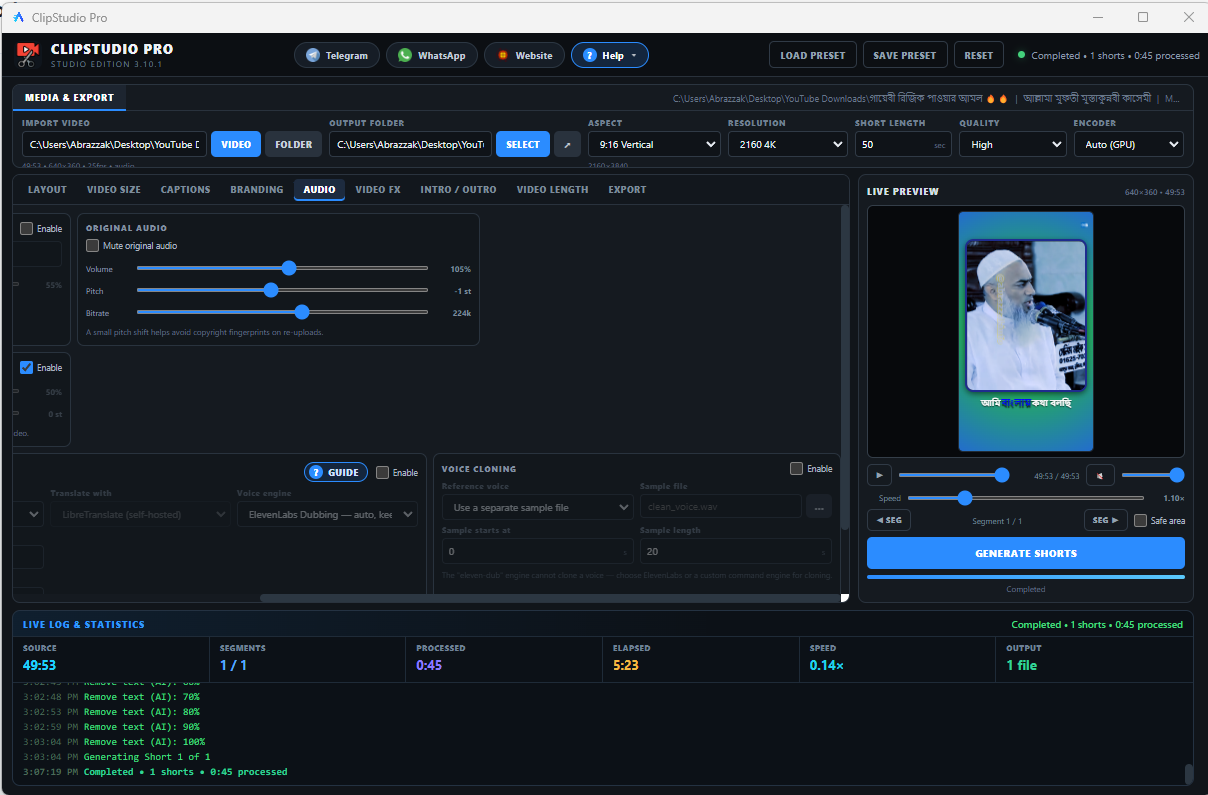
ClipStudio Pro
Turn long videos into Shorts, Reels and TikToks with AI captions — on your own PC
Automation built around how you actually work
Not a template stretched to fit — every project starts with your real process, and we stay involved past launch.
Built for your process
We start from how your team actually works, not a generic package that only half fits.
Real engineering, not scripts
Automation that holds up against real-world site and API changes, not brittle one-off scripts.
Direct communication
You talk to the people actually building your project, with updates at every stage.
Support after launch
Automation and software need upkeep as your tools change — we stay involved past the handoff.
Our Work — Latest Videos
New uploads appear here automatically — nothing to update by hand.
Mass Video Downloader for PC 2026 – Bulk Download & Trim Clips (Full Demo)
Long Video to Shorts AI Tool for PC 2026 – Auto Captions, AI Dubbing & Bulk Shorts | ClipStudio Pro
Bulk Email Sender Software 2026 – SMTP Rotation, Inbox Delivery (SMTP Command Center Demo)
Outlook Automation Software | Create Group & Add Multiple Members Automatically
Instagram Automation Tool 2026 – Multi-Device Reels Upload, Auto Like, Comment & Feed Swipe
Zoho Mail Bulk Email Sender | Auto Login & Browser Automation Studio
Android Automation for Facebook, Instagram, Reddit & X | LDPlayer + BAS
A straightforward process, start to finish
No black box — you know what's happening at every stage.
Scope the project
Tell us what you need via the order form — we review it and follow up with questions and a quote.
Agree & confirm
Once scope, timeline, and price are agreed, we confirm and (if needed) collect an advance to begin.
Build & check in
We build in stages with regular updates, so you see progress rather than waiting for a single handoff.
Deliver & support
You get the finished automation or software, plus support as your tools and needs change.
What clients say
What clients say about the automation and software we built for them.
“s”
as
QA Lead · abrazzak.info
“d”
Hlva
Operations Manager · Retail Co.
“The automation they built cut hours of manual price-checking down to a scheduled job we never think about anymore. It just runs.”
Otgta Maya
Operations Manager · Retail Co.
Project: Retail Price Tracker
Otgta Maya
Operations Manager · Retail Co.
“The automation they built cut hours of manual price-checking down to a scheduled job we never think about anymore. It just runs.”

“Our release process used to depend on manual device testing. Now regressions get caught automatically before they ever reach users.”
八 戒
QA Lead · Field Services Inc.
Project: Field App QA Suite
“They understood our actual workflow instead of trying to sell us a generic tool. The desktop app fits how our team already works.”
Bravo
Founder · Slions Studio LLC
Project: Workshop Inventory Manager
Latest articles
Notes on the automation and software we build.
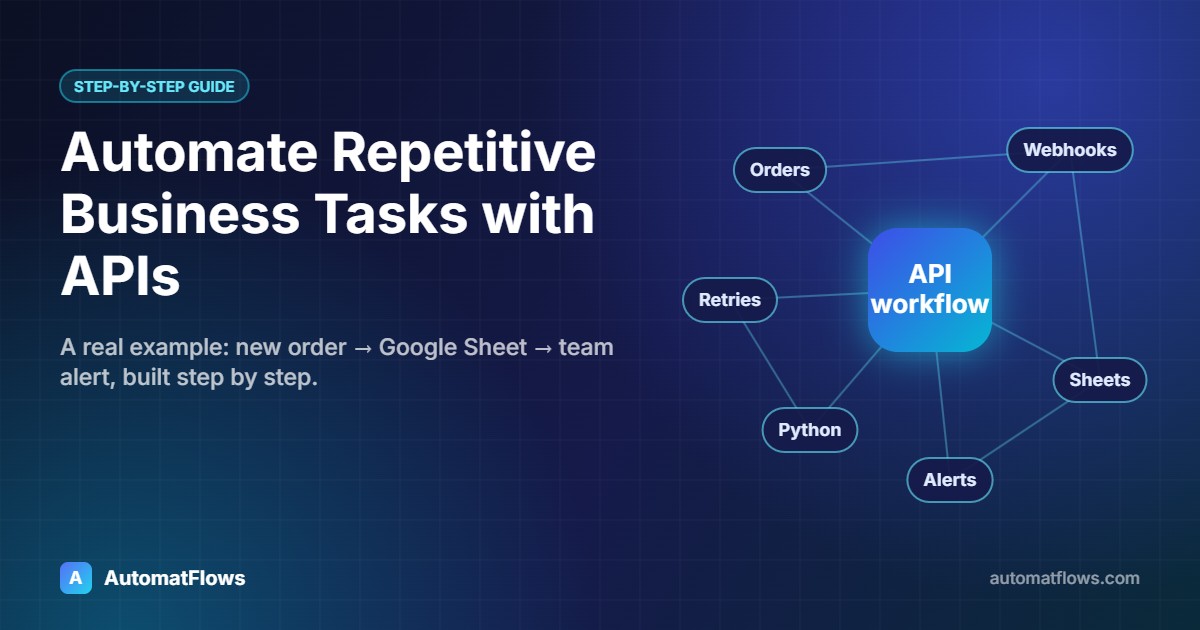
How to Automate Repetitive Business Tasks with APIs: A Step-by-Step Example
Copying orders into spreadsheets, sending the same notifications, re-typing data between apps — most of it can run by itself through APIs. A real workflow example, the implementation steps and what to automate first.
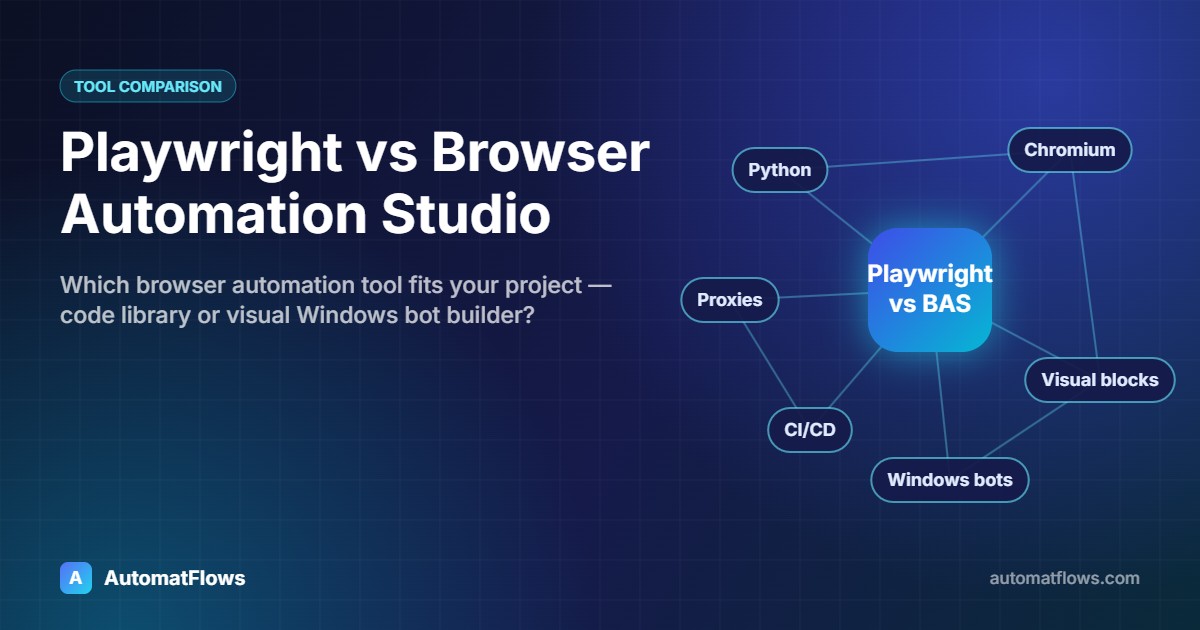
Playwright vs Browser Automation Studio: Which Browser Automation Tool Fits Your Project?
Playwright is a code library for reliable browser automation and testing; Browser Automation Studio is a visual Windows tool for building bots without much code. A neutral comparison of where each one fits.
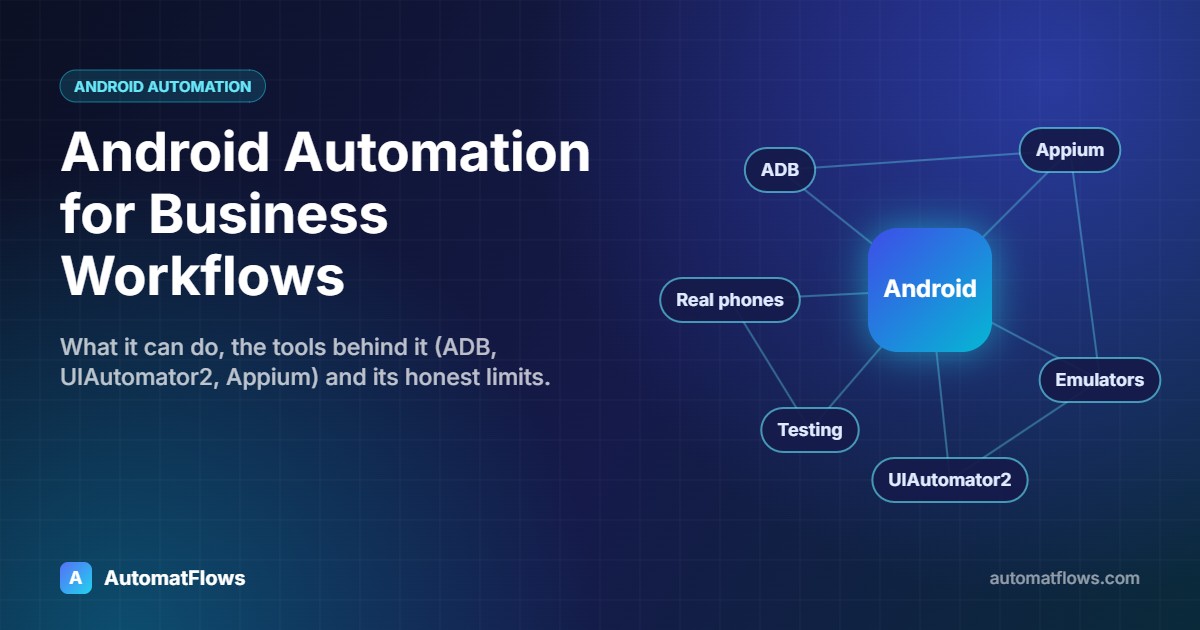
Android Automation for Business Workflows: What It Can Do, Tools and Limits
Android automation lets software tap, type and read the screen on real phones and emulators. Here is how businesses use it for app testing and repetitive mobile work, which tools are involved, and where its limits are.
Ready to automate the work that's slowing you down?
Tell us what you need built — we'll review it and follow up with next steps and a quote.
Start a ProjectQuestions, answered.
Open the product page under Software, choose a plan and press its button. You can also message us on WhatsApp or Telegram. Once the payment is confirmed we send your license key and the download link, usually within a few hours.
Each license key is activated on your computer and linked to that computer's hardware ID. The software checks the key with our license server over the internet from time to time, so it needs a working internet connection. A key works on the number of devices your plan allows.
Yes. Send us your license key and the new computer's hardware ID (shown on the activation screen) at [email protected], or on WhatsApp / Telegram. We release the old computer so the key can be activated on the new one, within the device limit of your plan.
Yes, you receive the updates included in your plan. Install the new version over the old one — your settings and your license activation stay, and the same key keeps working.
Yes — that is most of our work. We build browser automation, Android and emulator automation, HTTP request automation, Playwright pipelines and Node.js / Electron desktop software around your own process. Tell us about your project on the contact page and we reply with next steps and a quote.
More answers in the full FAQ.
Tell us what you're building
Share a few details and we'll follow up to talk through scope, timeline, and budget — no obligation.